Monogram Maker
Monograms from your initials, in 22 styles
What it does
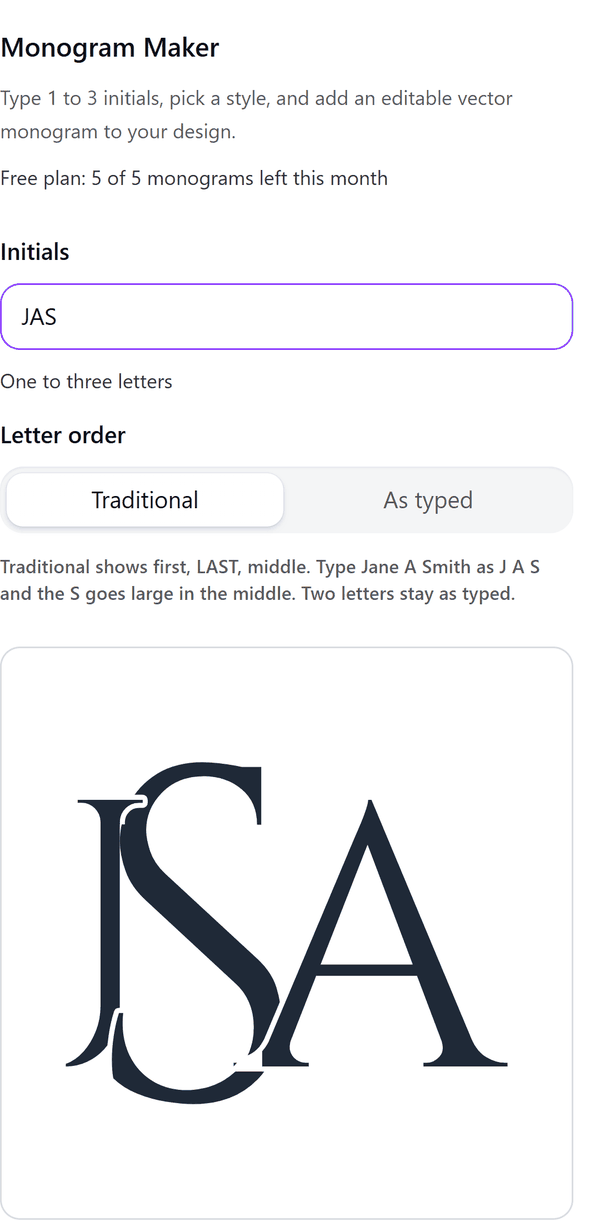
- Draws a monogram from one to three initials, with Traditional (surname initial large in the middle) or As typed letter order
- Offers 22 styles built from layouts and frames (rings, laurels, vines, geometric, diamond), with letter weight and overlap sliders
- Turns the letters of bundled open-licence fonts into outlines in your browser, so no font has to exist in Canva
- Adds the monogram to your design as an SVG image
- Pro: other colours, gold foil, outline-only lines, a download of the SVG file and a page of 12 variations
How to use it
- Open your design and open Monogram Maker from the Apps tab.
- Type one to three initials under Initials and choose the Letter order.
- Pick a Style from the gallery and a Font under Adjust. Use the Letter weight and Overlap sliders if you want to.
- Press Add to design. The monogram is added to your design as an image.
- Pro: choose a Colour, Outline only or Gold foil, then use Add 12 variations page or Download SVG.
Free and Pro
Plan limits reset each calendar month (UTC). Pro is billed through Polar.
| Free | Pro | |
|---|---|---|
| Monograms a month | 5 | Unlimited |
| Styles | 3 | 22 |
| Fonts | 4 | 25 |
| Colour | Default ink | Any colour, gold foil, outline only |
| SVG download | No | Yes |
| Page of 12 variations | No | Yes |
| Price | $0 | $5 per month or $35 per year |
Manage your Pro licence
You get a licence key by email after you buy Pro. Paste it into the app and press Activate licence. To use the key on another Canva account, press Deactivate this licence first. To restore Pro after a reinstall or on a new device, activate the same key again. To cancel, use the link in your Polar receipt email. Full steps: buying, restoring and managing Pro.
FAQ
Can I look at Pro styles on the Free plan?
Yes. Pro styles, fonts and colours show in the preview. Adding or downloading one asks you to upgrade and does not use a free monogram.
Are the fonts licensed for commercial use?
The bundled fonts use open licences (SIL Open Font License). Each licence text ships with the font.
What counts towards the monthly limit?
One monogram added, or one variations page. The unit is given back if Canva refuses the image.
Is this a product personaliser for shoppers?
No. It is a design tool for people who make stationery, gifts, shirts, tumblers and embroidery files.
How do I get help?
Email contact@tidybutton.com with the app name and a short description of what happened. Do not send your full licence key.
What data does this app keep?
See the Privacy Policy. In short: designs and images stay in your browser; our server keeps your Canva user and brand ids, monthly usage counts and your licence status.
Contact
contact@tidybutton.com